在資料流進到後續步驟之前,先「篩一遍」能省下大量成本。過濾節點(Filter)會依你設定的條件只放行符合的項目,其餘直接省略。你可以:
- 依資料型別挑選比較子:字串、數字、日期時間、布林、陣列、物件各有對應運算(例如 Date & Time → 之後、Array → 長度大於)。
- 串接多個條件並選擇 AND 或 OR(同一節點不可混用)。
- 透過選項微調:
Ignore Case忽略大小寫、Less Strict Type Validation在型別不一致時嘗試自動轉換。
典型場景包含客戶細分(只留高活躍用戶)、資料驗證(剔除缺欄/異常值)、警報(超過門檻才通知)。若你同時需要保留「符合」與「不符合」兩條支線,改用 IF 節點或接兩個 Filter,各自處理會更清晰。

過濾節點 (Filter Node) 介紹
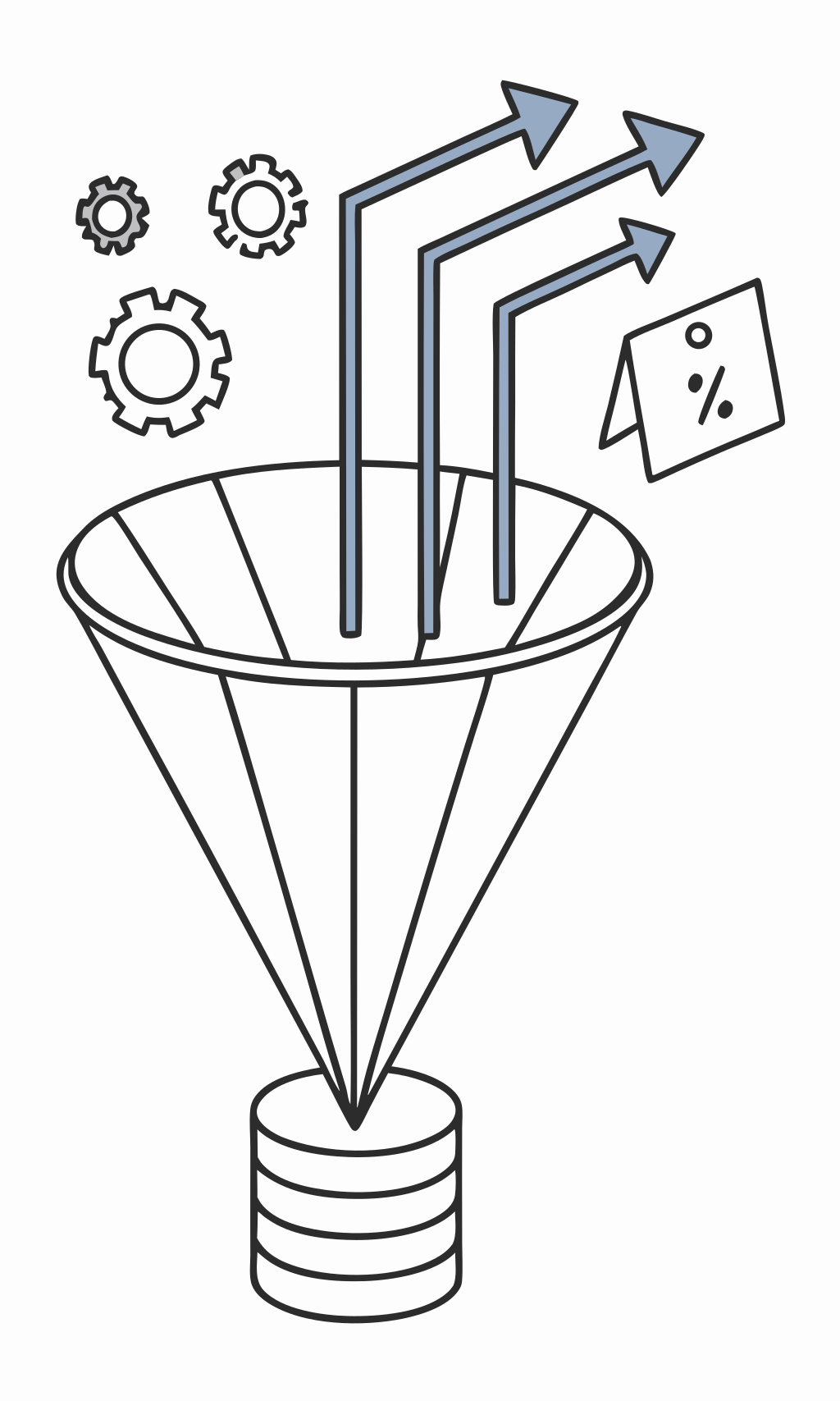
基於條件過濾項。如果項滿足條件,過濾節點將其傳遞到過濾節點輸出中的下一個節點。如果項不滿足條件,過濾節點會從其輸出中省略該項。
過濾節點是數據處理工作流中的基本組件,允許您根據特定條件選擇性地處理數據。
過濾節點 (Filter Node) 參數
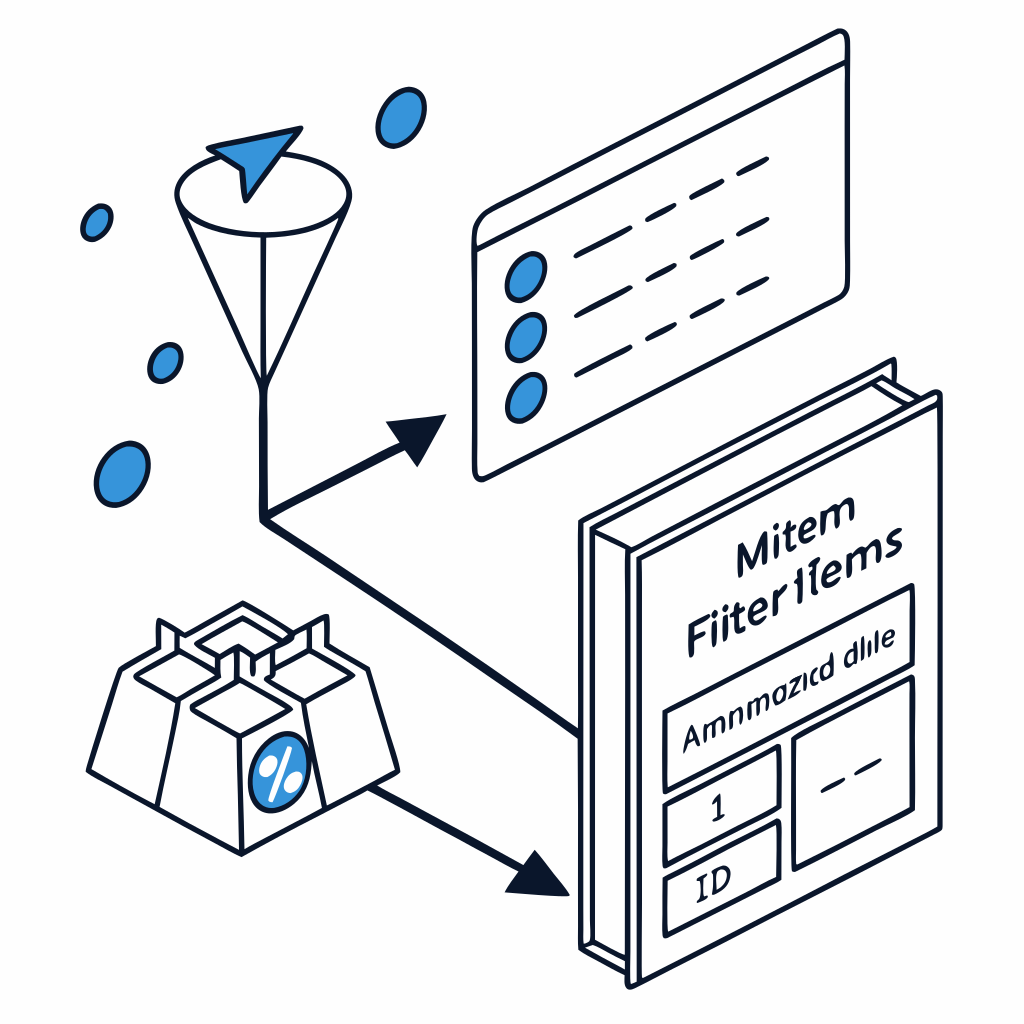
創建過濾比較「條件」來執行過濾:
- 使用數據類型下拉菜單選擇條件的數據類型和比較操作類型。例如,要過濾特定日期之後的日期,選擇「日期和時間 > 之後」
- 要輸入到條件中的字段和值根據您選擇的數據類型和比較而變化
選擇「添加條件」創建更多條件。
過濾節點 (Filter Node) 組合條件
當它們滿足所有條件時
創建兩個或更多條件,並在它們之間的下拉菜單中選擇「AND」
當它們滿足任何條件時
創建兩個或更多條件,並在它們之間的下拉菜單中選擇「OR」
您不能創建 AND 和 OR 規則的混合。
過濾節點 (Filter Node) 選項
忽略大小寫 (Ignore Case)
是否忽略字母大小寫(開啟)或區分大小寫(關閉)
較寬鬆的類型驗證 (Less Strict Type Validation)
是否希望 n8n 嘗試根據您選擇的運算符轉換值類型(開啟)或不轉換(關閉)。當遇到節點中的「錯誤類型:」錯誤時,請開啟此選項
這些選項使您能夠微調過濾行為,以適應不同的數據格式和比較需求。
過濾節點 (Filter Node) 可用數據類型比較 – 字符串和數字
字符串 (String)
- 存在 (exists)
- 不存在 (does not exist)
- 為空 (is empty)
- 不為空 (is not empty)
- 等於 (is equal to)
- 不等於 (is not equal to)
- 包含 (contains)
- 不包含 (does not contain)
- 開頭為 (starts with)
- 開頭不為 (does not start with)
- 結尾為 (ends with)
- 結尾不為 (does not end with)
- 匹配正則表達式 (matches regex)
- 不匹配正則表達式 (does not match regex)
數字 (Number)
- 存在 (exists)
- 不存在 (does not exist)
- 為空 (is empty)
- 不為空 (is not empty)
- 等於 (is equal to)
- 不等於 (is not equal to)
- 大於 (is greater than)
- 小於 (is less than)
- 大於或等於 (is greater than or equal to)
- 小於或等於 (is less than or equal to)
過濾節點 (Filter Node) 可用數據類型比較 – 日期時間和布爾值
日期和時間 (Date & Time)
- 存在 (exists)
- 不存在 (does not exist)
- 為空 (is empty)
- 不為空 (is not empty)
- 等於 (is equal to)
- 不等於 (is not equal to)
- 之後 (is after)
- 之前 (is before)
- 之後或等於 (is after or equal to)
- 之前或等於 (is before or equal to)
布爾值 (Boolean)
- 存在 (exists)
- 不存在 (does not exist)
- 為空 (is empty)
- 不為空 (is not empty)
- 為真 (is true)
- 為假 (is false)
- 等於 (is equal to)
- 不等於 (is not equal to)
過濾節點 (Filter Node) 可用數據類型比較 – 數組和對象
數組 (Array)
- 存在 (exists)
- 不存在 (does not exist)
- 為空 (is empty)
- 不為空 (is not empty)
- 包含 (contains)
- 不包含 (does not contain)
- 長度等於 (length equal to)
- 長度不等於 (length not equal to)
- 長度大於 (length greater than)
- 長度小於 (length less than)
- 長度大於或等於 (length greater than or equal to)
- 長度小於或等於 (length less than or equal to)
對象 (Object)
- 存在 (exists)
- 不存在 (does not exist)
- 為空 (is empty)
- 不為空 (is not empty)
過濾節點 (Filter Node) 應用場景
客戶細分
根據人口統計、購買歷史或參與度過濾客戶數據
數據驗證
過濾掉不符合特定標準的無效或不完整記錄
警報系統
過濾數據以僅處理超過閾值或滿足特定條件的項
過濾節點是幾乎所有數據處理工作流的基本組件,允許您專注於最相關的數據。
總結
- 先選對型別,再選對比較子:字串用 contains/starts with/regex;數字用 >=、<=;日期用 after/before;陣列用 contains 或 length;物件可檢查 exists / is empty。
- AND/OR 不混搭:同一節點只能擇一;需複雜邏輯就串接多個 Filter,或先在 Code/Set 產生旗標欄位再比對。
- 處理大小寫與型別:文字比對建議開
Ignore Case;遇到「錯誤類型」訊息時可啟用Less Strict Type Validation,或在上游先做型別正規化(數字轉 Number、日期轉 ISO)。 - 留意日期時區:跨時區資料先統一到同一標準(如 UTC/ISO 字串)再比較,避免誤判。
- 只輸出「通過」的項目:需要同時取得「未通過」的資料作記錄/告警,請改用 IF 節點雙輸出或在 Filter 前分叉。
- 迭代測試:先用小批量資料驗證條件,再上線接大流量;必要時在 Filter 前後加上計數/日誌,方便觀察被過濾的比例。
把關做在入口,後面的節點就能更專注在「重要資料」上,流程更快、更穩、更省資源。